
Optical design software
Design, simulate, optimize and tolerance your optical systems in one application.
- Sequential and non-sequential ray tracing, physical optics and thermomechanical analysis, on the same model.
- Imaging, illumination and laser systems in one workspace.
- Optimization and tolerancing built in.
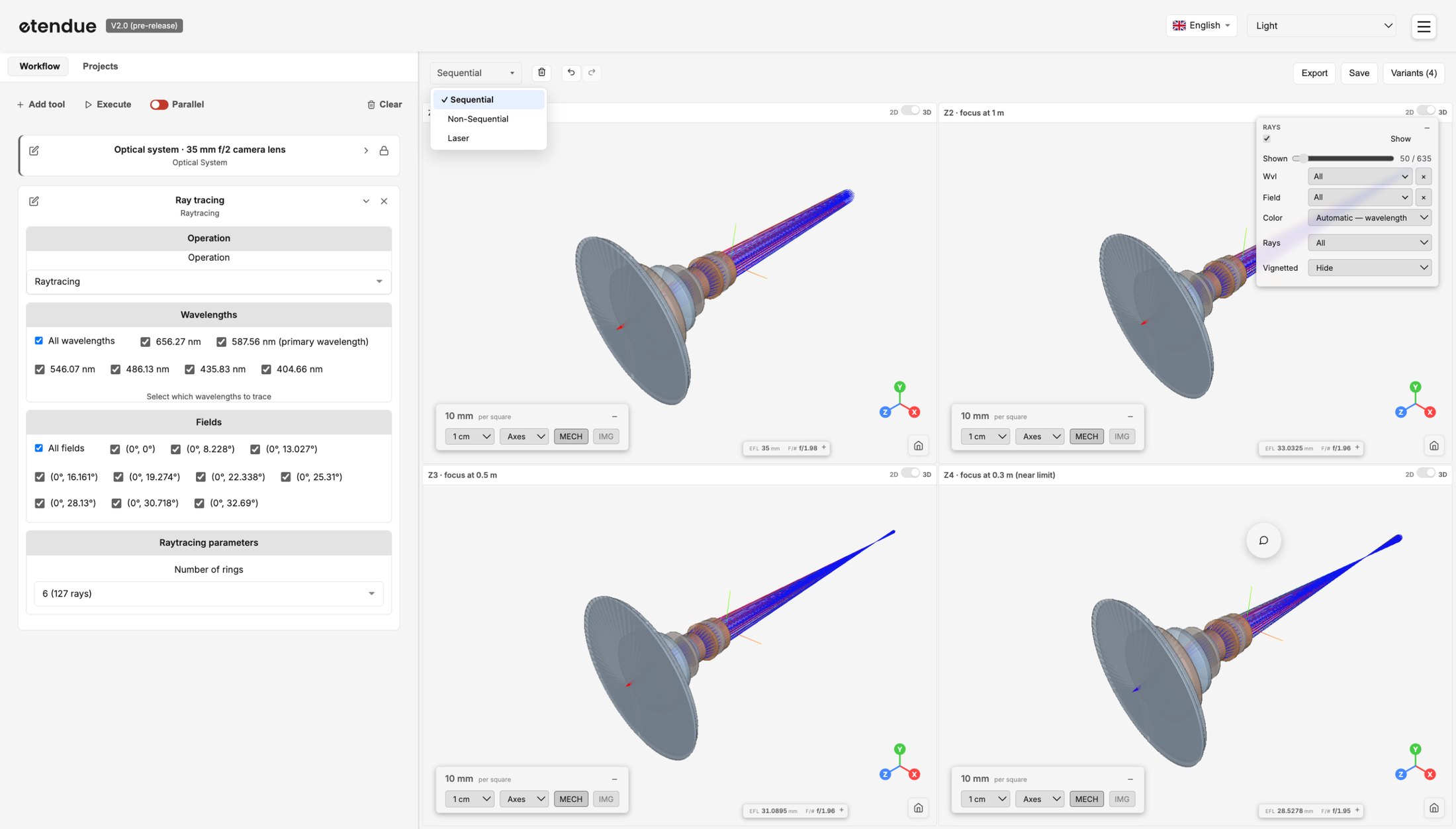
Complete optical design software
Simulation engines
Automation
Optimization
Global and local algorithms
- Global: Differential Evolution, Dual Annealing, Brute force
- Local: Least Squares, BFGS, L-BFGS-B, SLSQP, Powell
- Multiple starts from the same design, to escape a local minimum
Operands, variables and constraints
- Operands defined in a table or by formulas, or imported from Excel with the AI assistant
- Selective activation of variables and operands
- Minimum or maximum bounds on any operand, enforced as true constraints by SLSQP
Tolerancing
See which tolerances drive your yield
- Sensitivity analysis and wavefront derivative
- A ranking of the largest contributors, so you know which tolerances to tighten
- A fast analytical method on a linearized wavefront, to screen a tolerance set in seconds (OPD difference and RMS spot)
Open any simulated system to see why it fails
- Monte Carlo simulations, with the option to reload or extract any trial
- Reproduce any trial on your optical system
- Uniform or Gaussian distributions, and a yield computed against the limits you set on each tracked quantity
Tables, formulas or Excel import
- Tolerances defined in a table, or imported from Excel with the AI assistant
- Tracked quantities defined in a table or by formulas
- Compensators, such as back focus, solved at every trial, in Monte Carlo as in the analytical method
- Step-by-step tolerancing on subsystems
Import and export
- Zemax import and export (.zmx)
- CODE V import and export (.seq)
- STEP import and export (.step) for mechanical CAD
Display your optical system, then build an analysis workflow around it
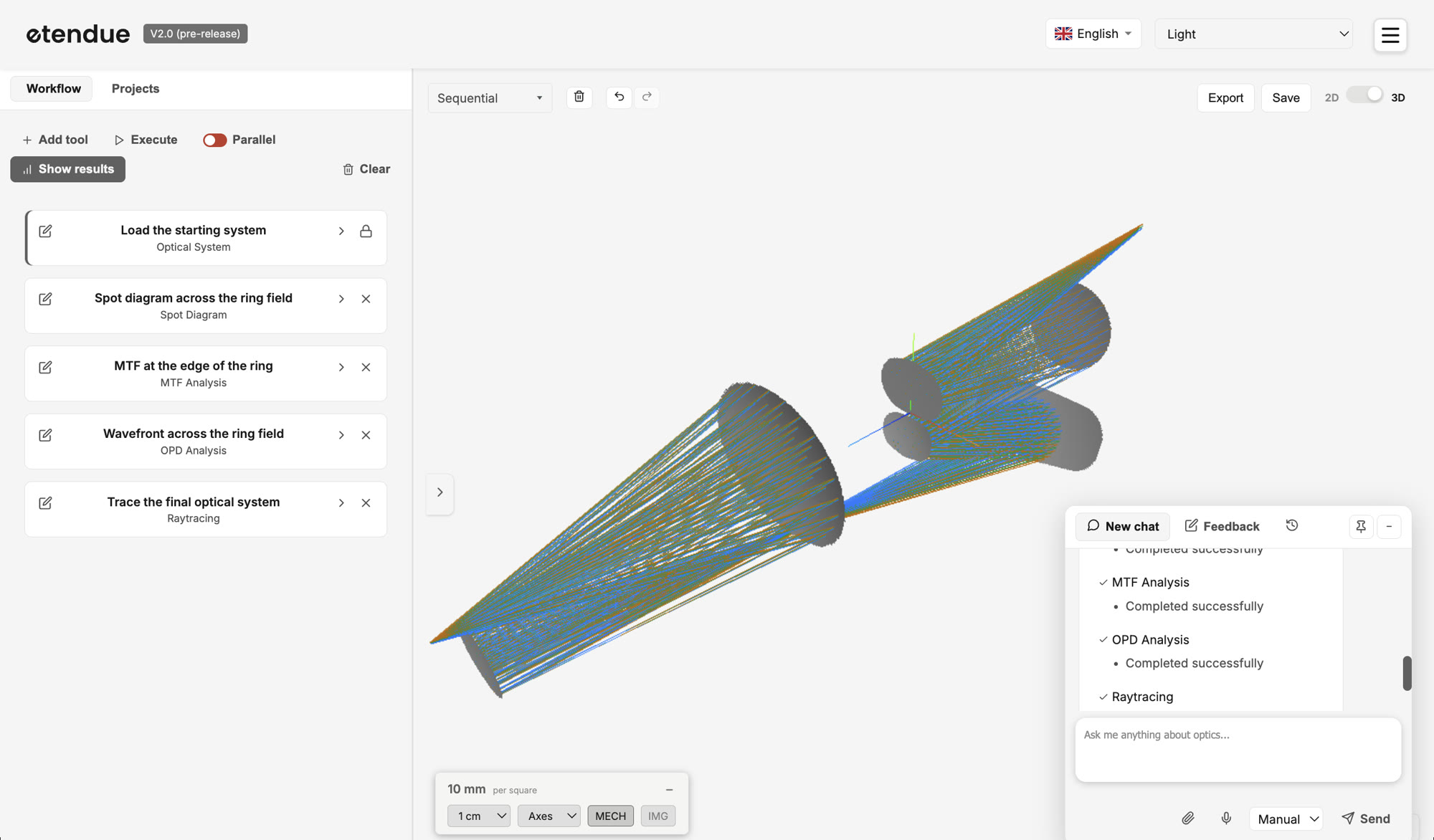 Workflow
Optical system
AI assistant
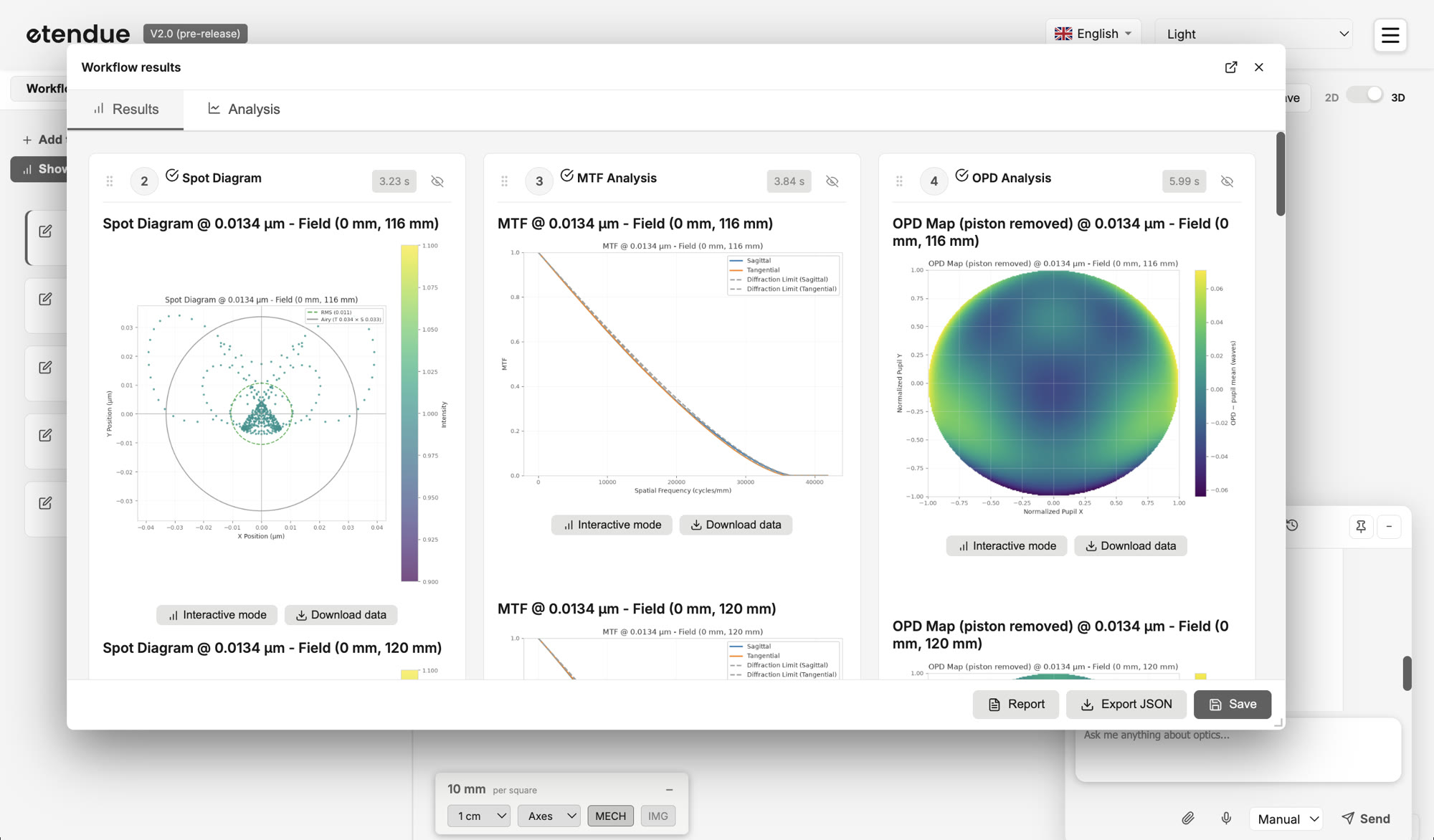
What we call a workflow
A workflow is the list of tools that run on your optical system. It starts with the system itself, and each analysis (spot diagram, MTF, ray trace…) is a tool in its own right. You can add tools at any time, and when you run the workflow, each tool shows its results.